SMS/Email Multi-factor (MFA)
UtahID Help
Sign in
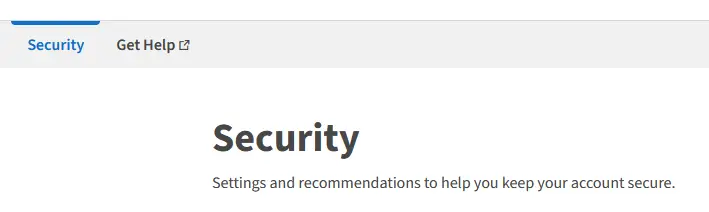
Go to https://id.utah.gov, opens in a new tab and sign in to UtahID.Select Security - In the Top Menu
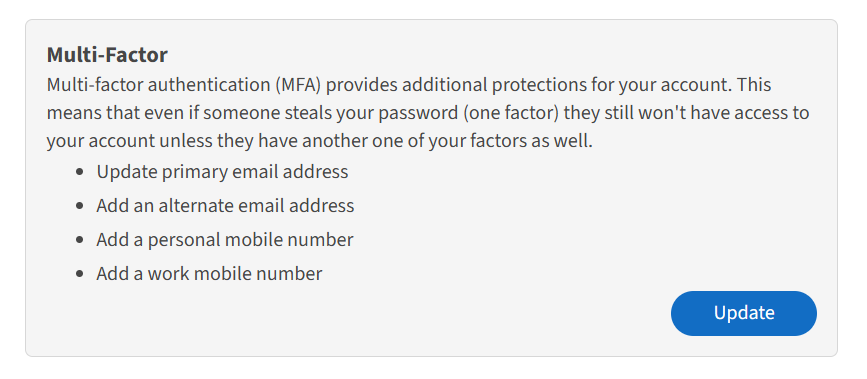
Select the Security link in the top menu, scroll down to the Multi-Factor sectionUpdate Multi-Factor Information
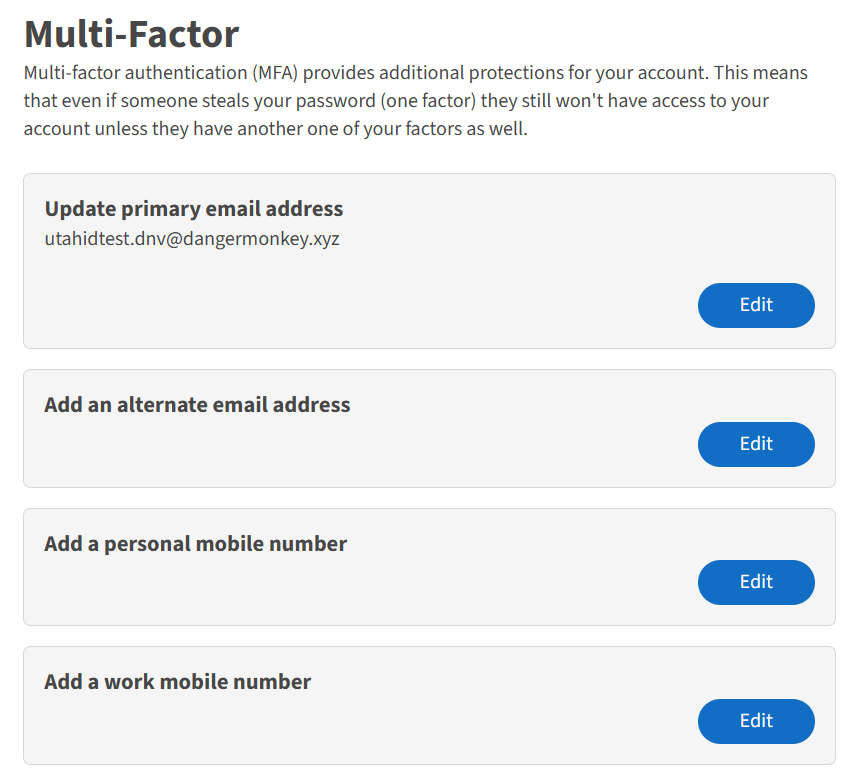
You can do one or all of the following actions:
- Update primary email address
- Add an alternate email address
- Add a personal mobile number
- Add a work mobile number
Click the Edit button by each option to make changes.
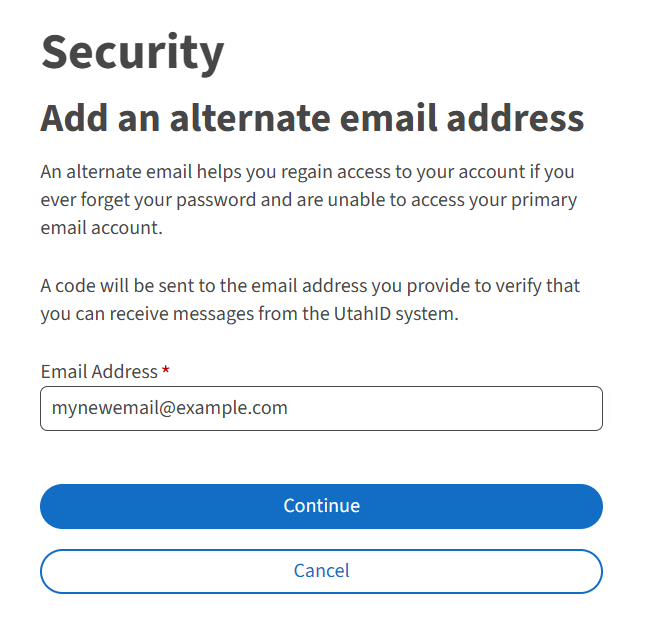
Add Alternate Email
Enter the alternate email address and click continue.Enter Security Code
Enter the security code that was sent to the newly added email address and click Continue.Success
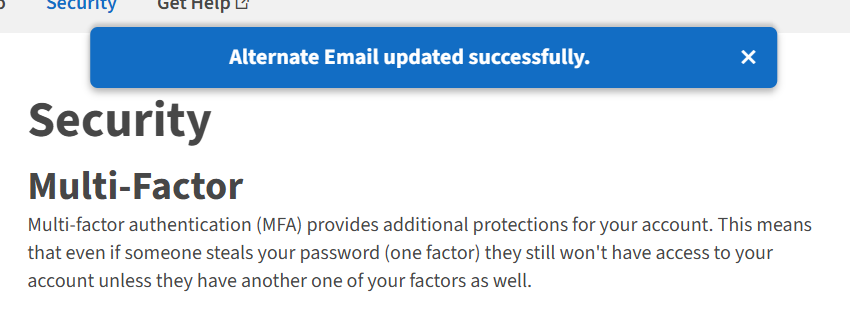
You have successfully added an alternate email address to your UtahID. You will be redirected to the main Security page and see the success message at the top of the screen.
Setting up an account to use SMS/Email Multi-factor (MFA)
By default, all accounts are now forced to use the SMS/Email MFA.